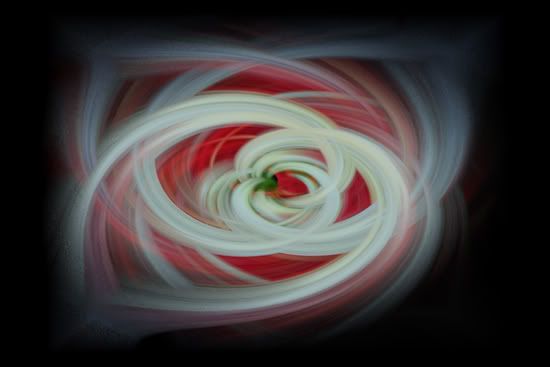
I use Photoshop 7... any program with filters and layers should work.
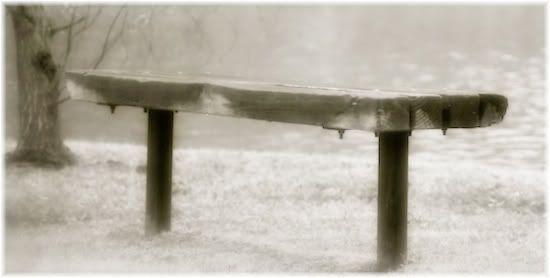
Open an image, duplicate to preserve the original.
Increase canvas size a bit to enable more space for the abstract to flow.
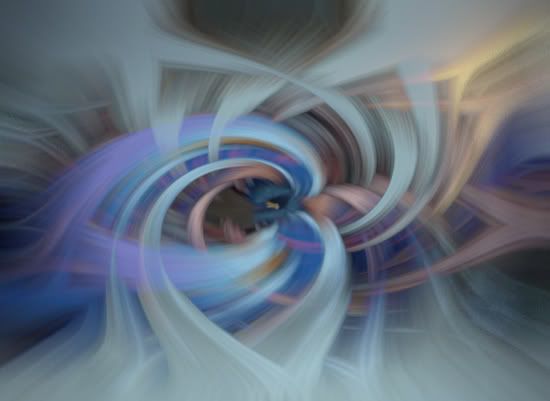
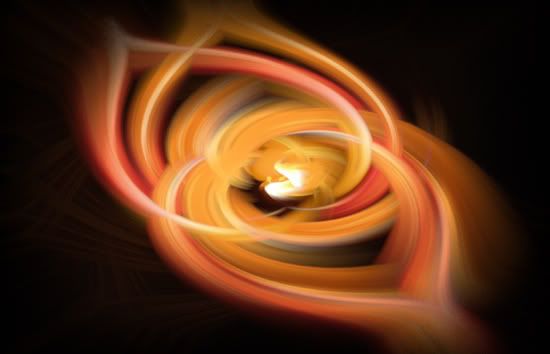
Filter-Pixelate-Mezzotint-short strokes. Crystalize also works well. Experiment.
Filter-Blur-Radial blur-amount: 100 /method: zoom /quality: best (or
good)
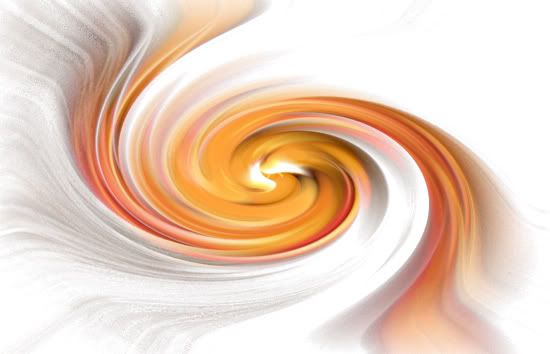
Filter-Distort-Twirl either left or right. Any number (above 100 seems better).
Layer-duplicate layer.
Filter-Distort-Twirl opposite the above. Any negative number pleasing to you.
In the layers pallet with the "backgound copy" still selected, set the layer mode from normal to lighten.
Flatten layers.
Crop, resize, leave be... whatever you like. Show off your work!
Say goodbye to botched shots :-) Warning: addicting :-D